When an Operator goes MIA
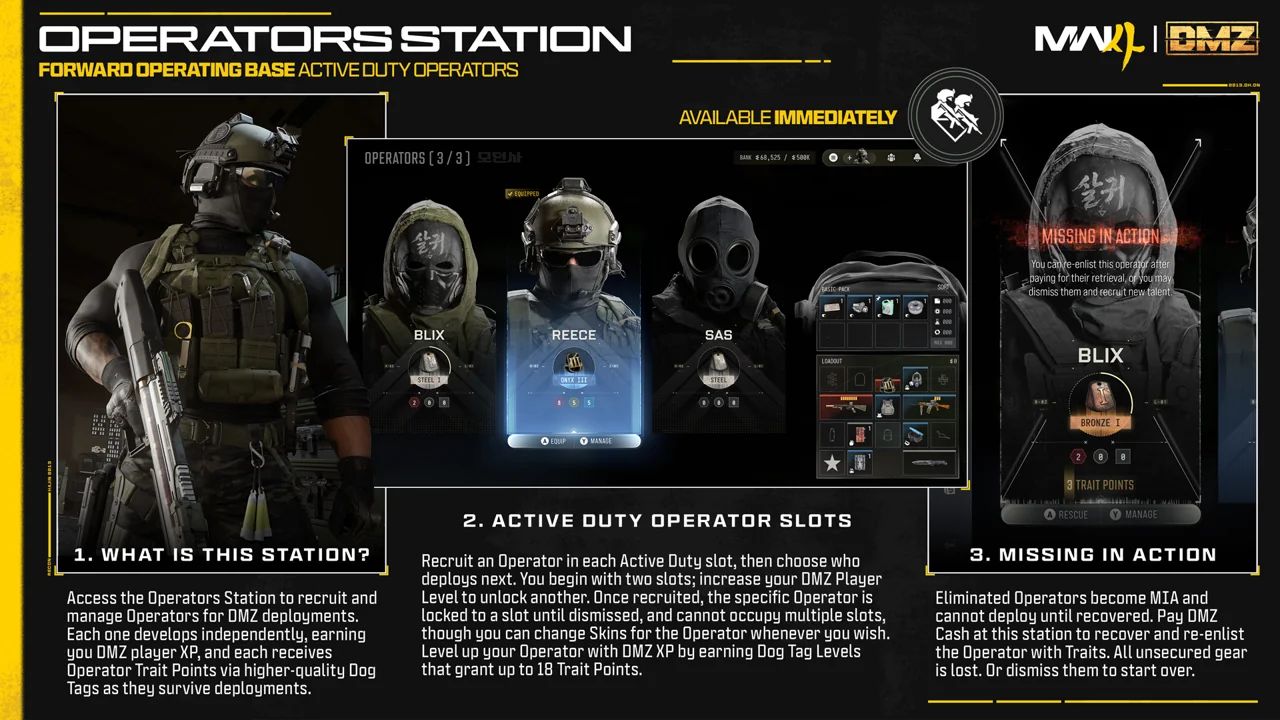
MIA means Missing in Action. Start with the status shown for the affected Operator.

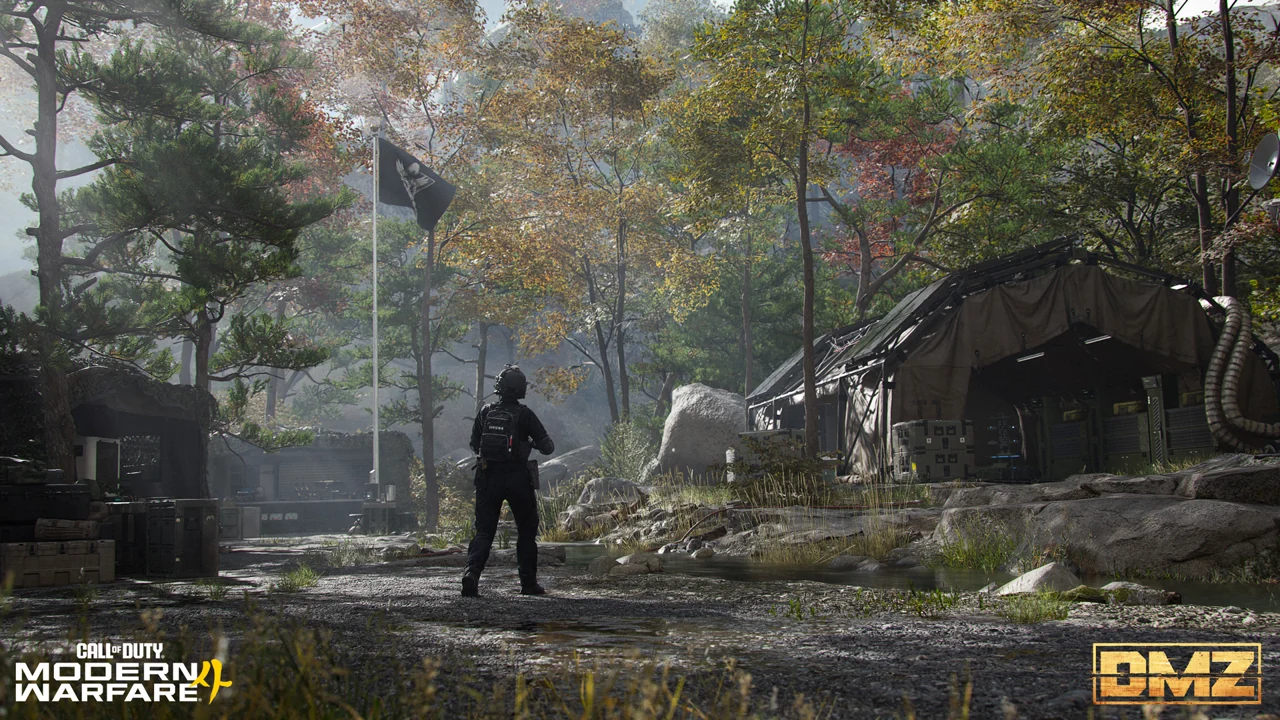
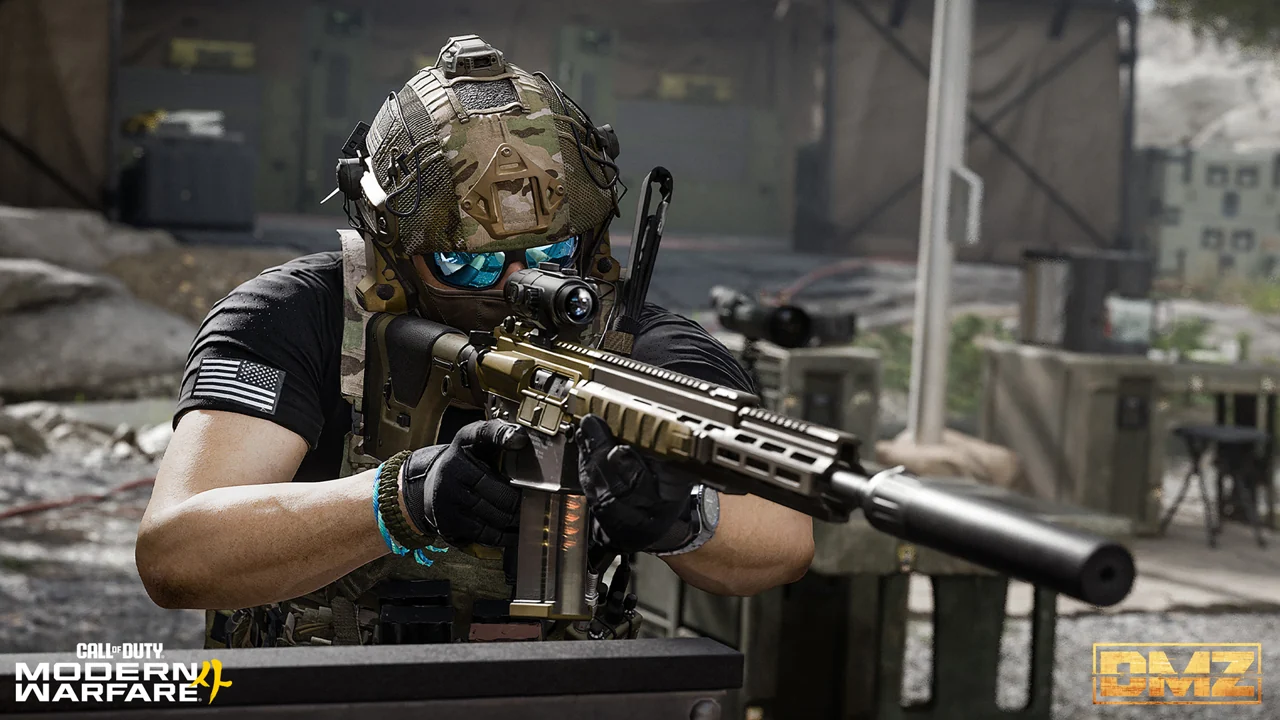
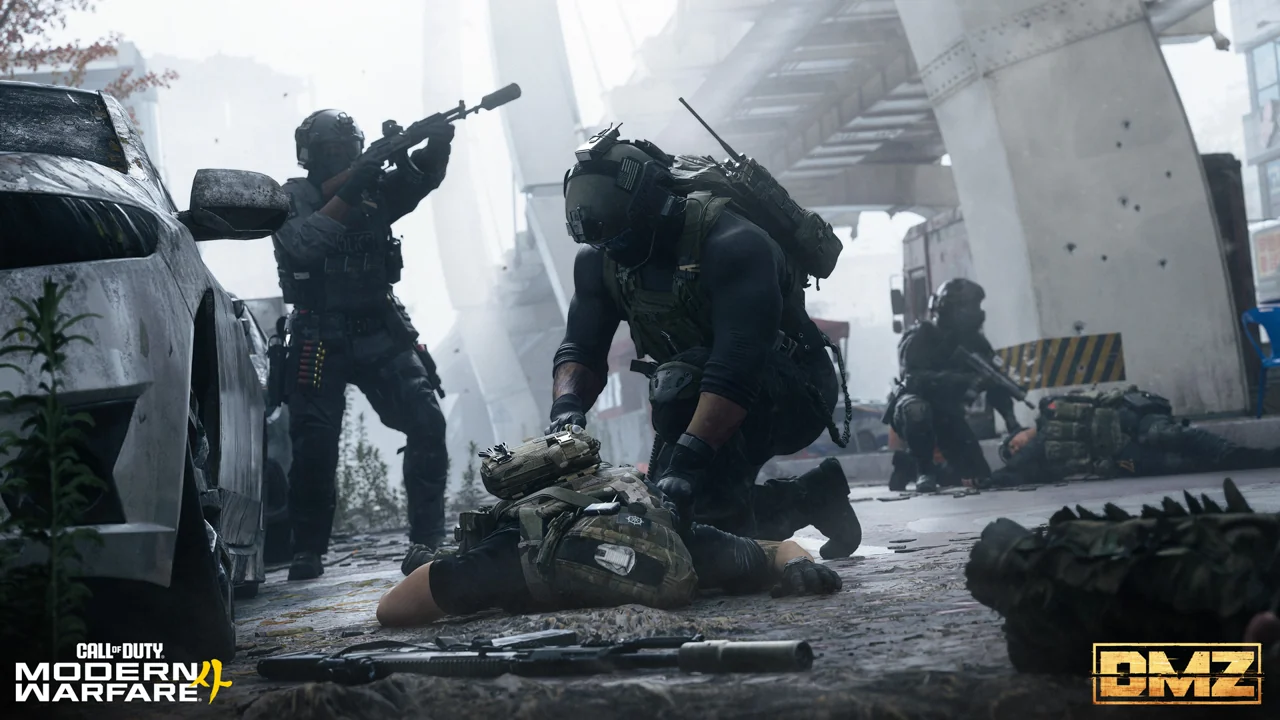
Game imagery © Activision. Used as an editorial reference.
Read the status first
The official FOB guide includes an MIA Operators section under Active Duty. This is an Operator status and recovery topic, not a character named Mia.
A recovery checklist
The safest next step is to inspect the current in-game recovery instructions. Conditions can depend on the state of your Operator.
- Open Active Duty and identify the affected Operator.
- Read the available recovery information before changing gear.
- Separate the status of that Operator from your account-wide progression.
- Prepare for the stated recovery objective rather than assuming a normal deployment will resolve it.
Avoid irreversible assumptions
Do not interpret a missing Operator as proof that every form of progression has been wiped. Equally, do not assume every carried item is recoverable. Use the current status screen to establish what the game is actually offering.
If something looks wrong
Record the Operator, the exact status message and what happened in the previous deployment. Those details help distinguish a normal recovery state from a technical problem when consulting official support.
Game facts are based on the official material linked below. Preparation checklists are our editorial recommendations, not guaranteed outcomes or first-hand test claims.